Scan the code
Point your camera at any QR code. FUQR reads what's inside, whether it's a link, text or something stranger.
A Mortar Bit app
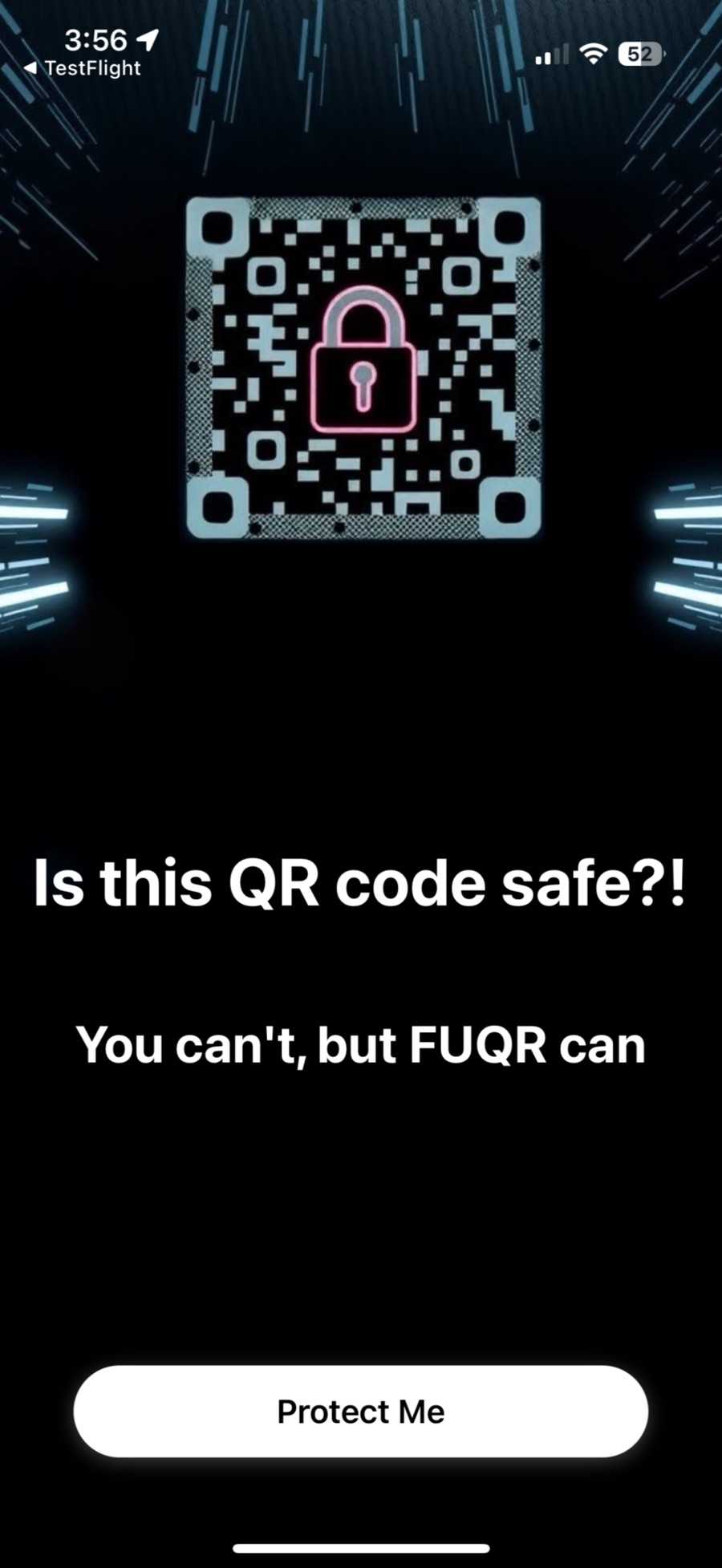
QR codes on flyers, parking meters, menus and packages can hide phishing links and scams. FUQR is your first line of defense: scan the code, and FUQR checks where it really goes before you tap.
How it works
FUQR reads the code without opening anything, so you see the verdict before a sketchy site ever sees you.
Point your camera at any QR code. FUQR reads what's inside, whether it's a link, text or something stranger.
Links are analyzed for phishing, scams and harmful sites, and FUQR captures a preview of the page so you can see it without visiting it.
Get a clear security score. Go to the website if it's safe, or walk away if it isn't.
menu.yourfavoritecafe.comA known restaurant menu. Go ahead.
bit.ly/3xP…A short link that hides where it lands. Check the preview first.
parking-pay-citycentre.infoA look-alike payment page on a parking meter. Don't pay here.
Why FUQR
A QR code looks the same whether it leads to your bank or to someone pretending to be your bank. FUQR shows you the difference.
Every link gets a score and a plain-English verdict, so you know at a glance.
See a screenshot of the destination page, taken on our servers, not your phone.
With Pro: a detailed risk assessment, recommendations, and the real domain and redirects behind the code.
Look back at every code you've scanned, stored on your phone. Swipe to delete any of them.
Codes with plain text are shown to you and can be copied with one tap.
No sign-up and no login. Open it and scan.
Pricing
FUQR is free to download and scan with. FUQR Pro unlocks the detailed security analysis, risk assessments and recommendations.
US prices. Subscriptions are billed through your Apple Account and renew automatically unless cancelled at least 24 hours before the end of the current period. Manage or cancel any time in Settings → your name → Subscriptions.
Private by default

Free on the App Store for iPhone, and for Macs with Apple silicon.
Download on the App StoreQR-code phishing. Scammers put their own codes on parking meters, posters, mail and packages so you land on a fake login or payment page. Because you can't read a QR code, you can't tell where it goes until it's too late. FUQR tells you first.
No. FUQR checks the link and takes a preview on our servers. Your phone only visits the site if you tap Go to Website.
Scanning and the safety verdict are free. Pro adds the full security report: a detailed risk assessment, recommendations and technical details such as the domain and redirects.
It's optional. If you allow it, FUQR saves where you scanned each code with that scan in your history on your phone, so you can remember where a suspicious code was. You can say no and FUQR works the same.
Subscriptions are managed by Apple. On iPhone, go to Settings → your name → Subscriptions → FUQR. Deleting the app doesn't cancel a subscription.
Open your scan history and swipe left on any scan to delete it, or delete the app to remove all of it. We don't hold a copy.
No tool can promise that. FUQR is a strong second opinion, but sites can change after a scan. If a page asks for passwords or payment details you didn't expect, stop and check.